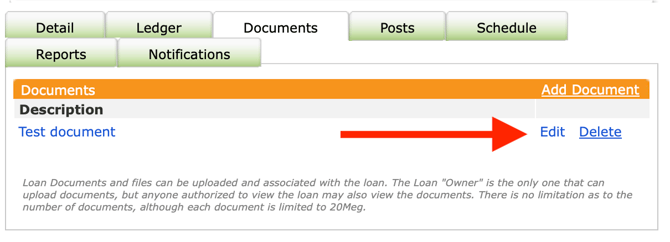
The Documents Tab keeps all files related to a loan contract organized in one place, viewable by every contract participant.
Uploading a Document
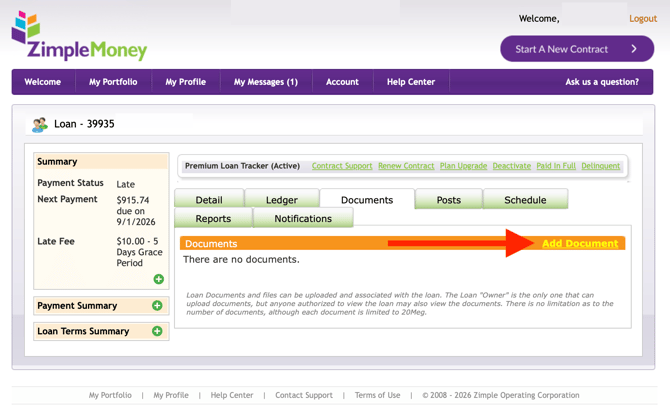
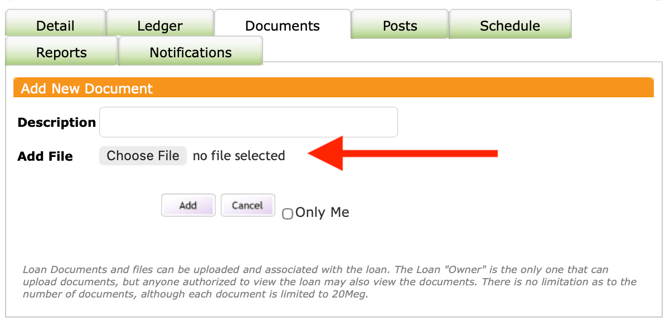
Only the contract owner or creator can upload new documents. You can add one or multiple files to a contract, and each file has a maximum size limit of 20MB.
Viewing Documents
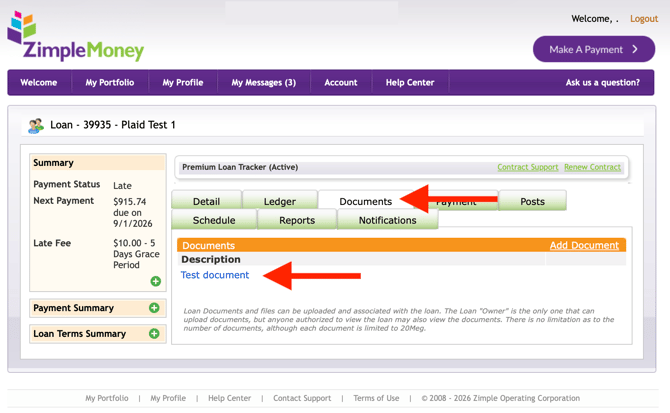
All contract participants can view documents that have been uploaded to a contract, regardless of their role (lender, borrower, or guest).
Removing a Document
The contract owner can delete documents from the Documents Tab whenever they're no longer needed.