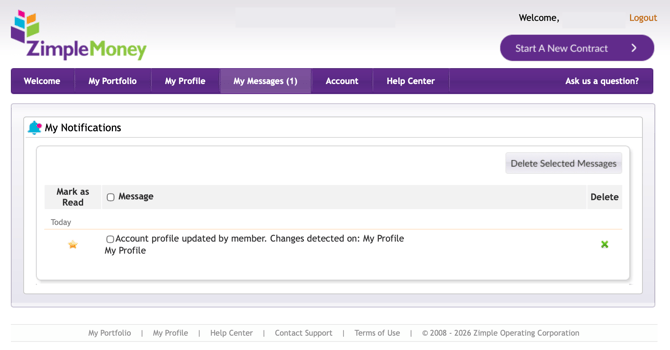
The My Messages page shows short notices about activity on your portfolio or contracts, including alerts from ZimpleMoney, automated platform notifications, and messages posted by your lender or borrower.
Viewing Your Messages
Go to My Messages to see all notices related to your account and contracts. Each message corresponds to an email also sent to you at the time it was generated.
Managing Messages
- To mark a message as read, check the box next to it.
- To delete a message, click the X next to it.
Deleting a message from this page doesn't affect the corresponding email already sent to your inbox.