Lenders can customize fees and payment behavior for each borrower directly within the loan contract.
Change Late Fee or Processing Fee Terms on a Loan Contract
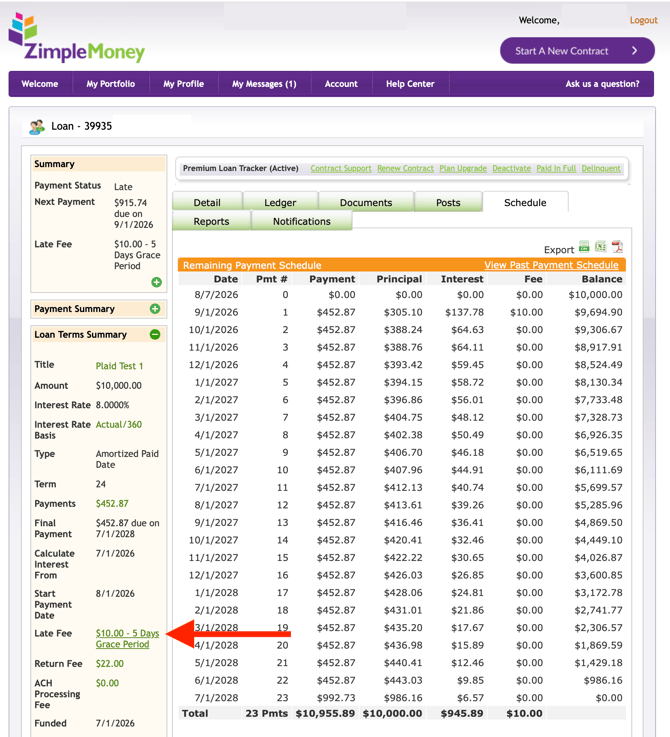
On every Loan Contract in ZimpleMoney, you will see three sections within the left column: Summary, Payment Summary, and Loan Terms Summary.
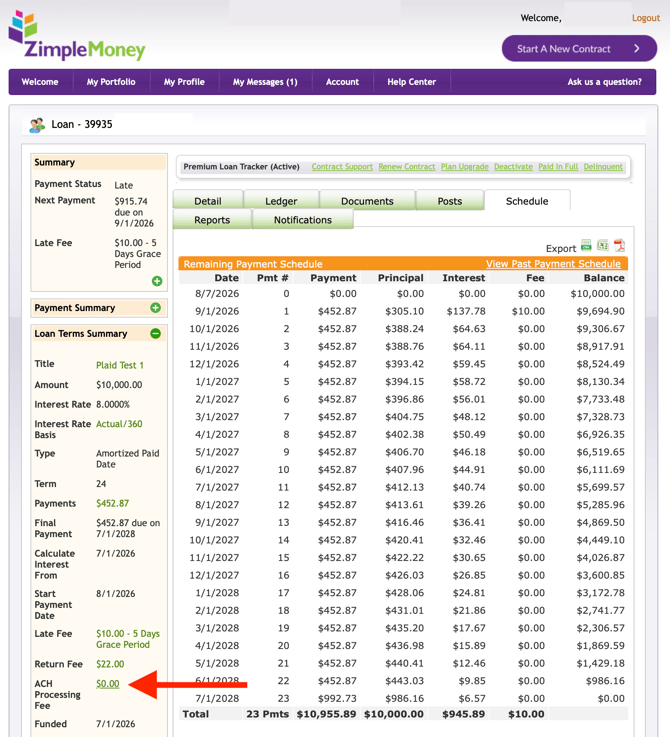
In the Loan Terms Summary section, you will see the Late Fee and ACH Processing Fee in green text. That green text is clickable and indicates the information may be edited.
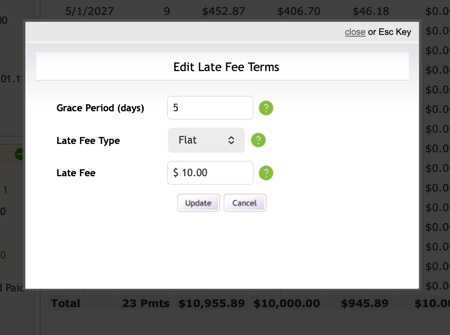
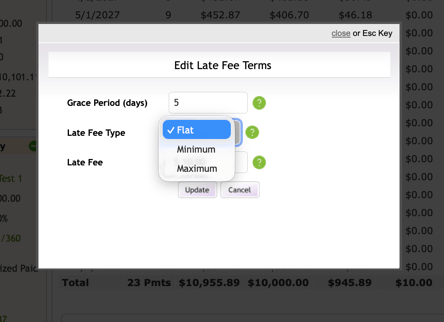
To edit the Late Fee on a Loan Contract, click the Late Fee description text in green to open a window where you can change the terms, as shown below:
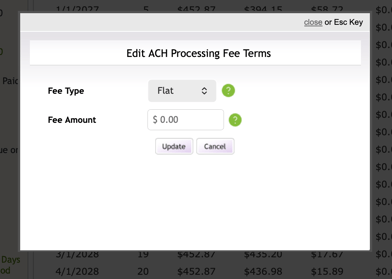
To edit the ACH Processing Fee on a Loan Contract, click on the green description text and a window will open with edit options, as seen below:
Adding Other Contract Fees
You can add other fees to a contract at setup or at any point during the life of the loan. Fees can be structured as one-time charges or recurring monthly fees.
On the Detail Tab of the loan, go to the section called Other Fees:
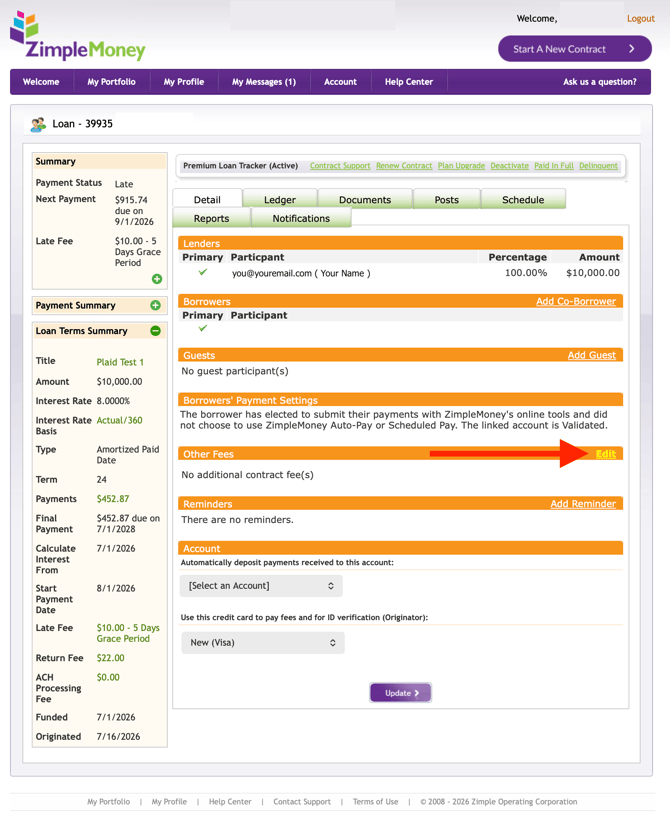
Under Other Fees, you have the option to add a One Time or Recurring fee on the loan. Specify the amount and provide a description for each fee added. Click Update to add the fee to the contract. Click the blue text Del to delete fees.
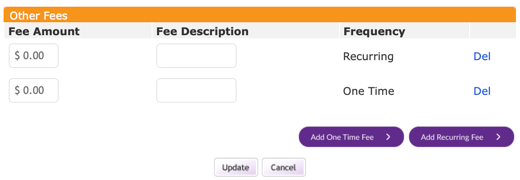
Once a new fee is created, the disbursement will default to Pro-Rata. To change the disbursement instructions, click the blue Edit text.

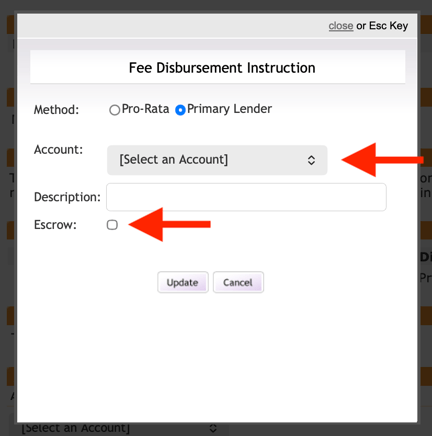
If you select Primary Lender for disbursement of that fee, you must choose a bank account and provide a description. You will also have the option to indicate if this fee is for escrow.