
System Reminders let you set up recurring notifications across your entire ZimpleMoney account, rather than on a single contract.
Creating a Reminder
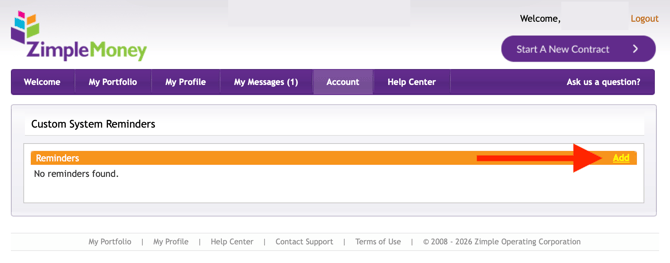
- Go to Account > Reminders.
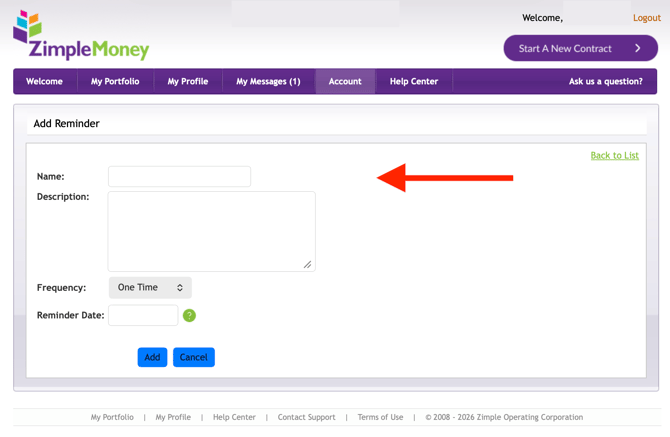
- Choose the type of reminder you want to set (such as a prompt to check loan balances).
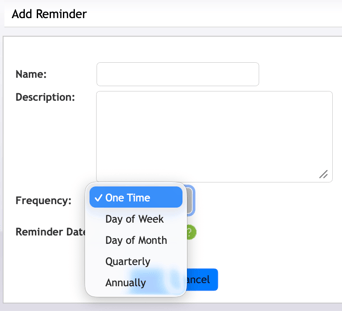
- Select the frequency and timing for the notification.
- Save your reminder settings.
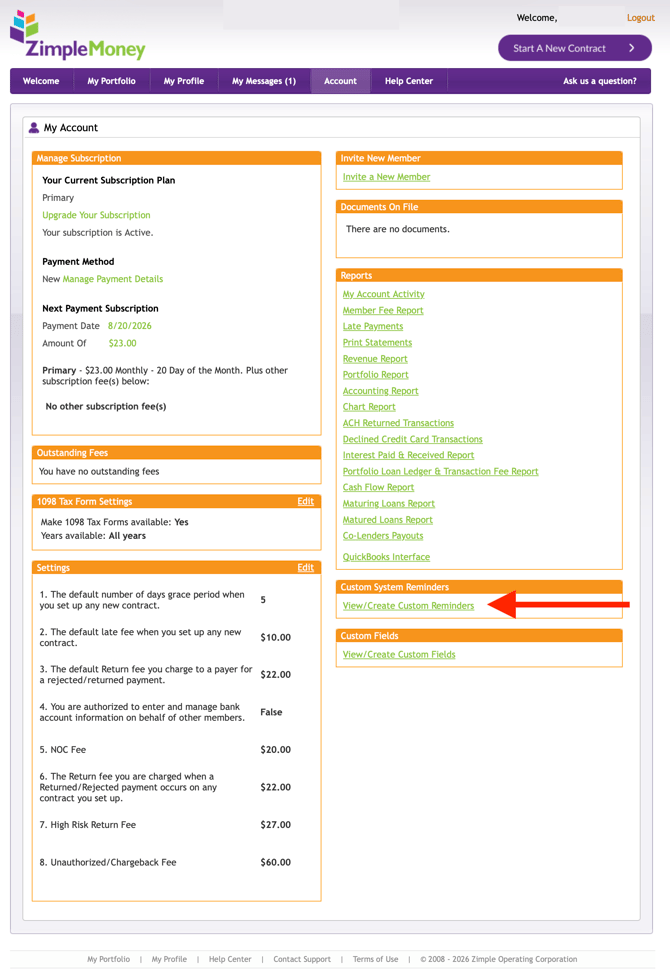
Once saved, you'll receive notifications based on your selected schedule, helping you stay on top of account-wide tasks without needing to check each contract individually.