ZimpleMoney offers a full suite of reports to help you monitor individual loans and your entire portfolio.
Account-Level Reports
Go to Account > Reports to access various reporting tools.
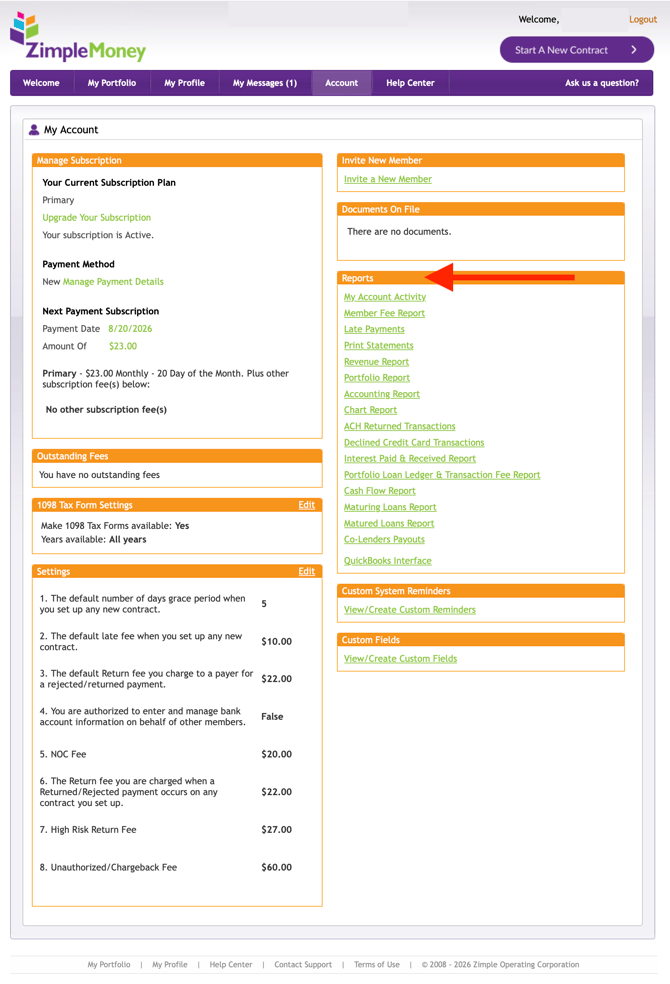
Here are some examples of the lender reports available to you:
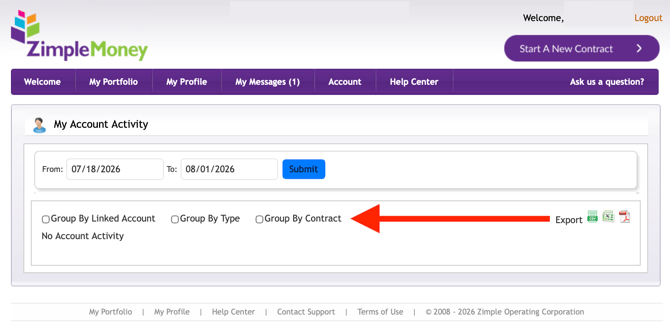
- My Account Activity: Tracks all payment transactions in and out of your account.
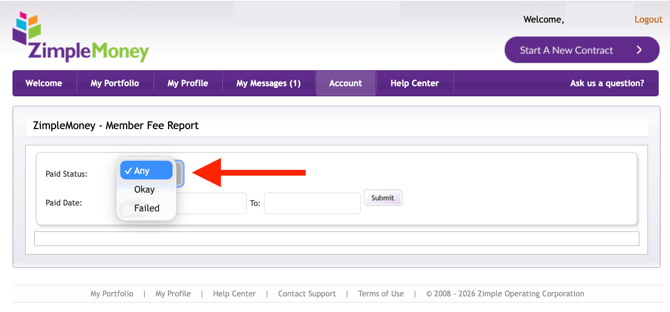
- Member Fee Report: Shows ZimpleMoney fees you've paid.
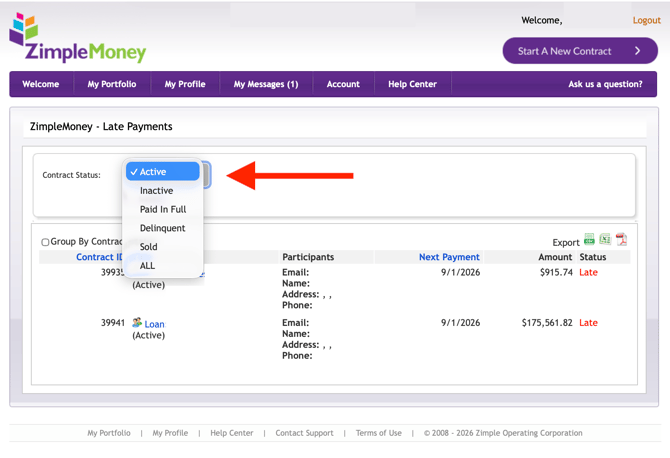
- Late Payments: Lists all currently late payments in your portfolio, exportable to Excel or PDF.
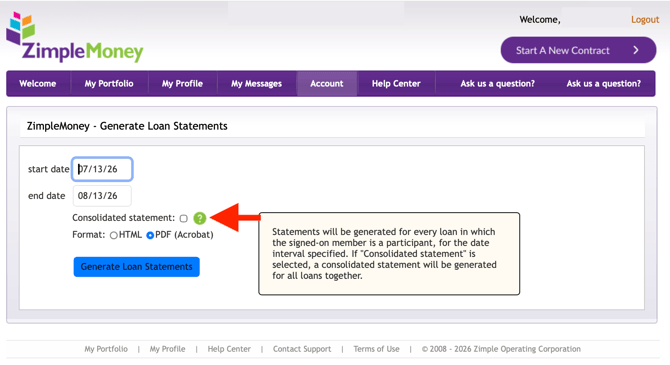
- Print Statements: Print statements across your entire portfolio.
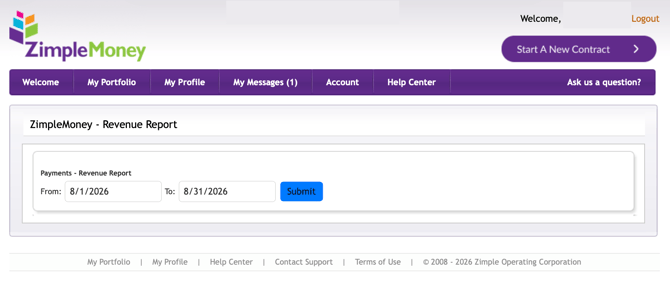
- Revenue Report: Tracks revenue generated across your contracts.
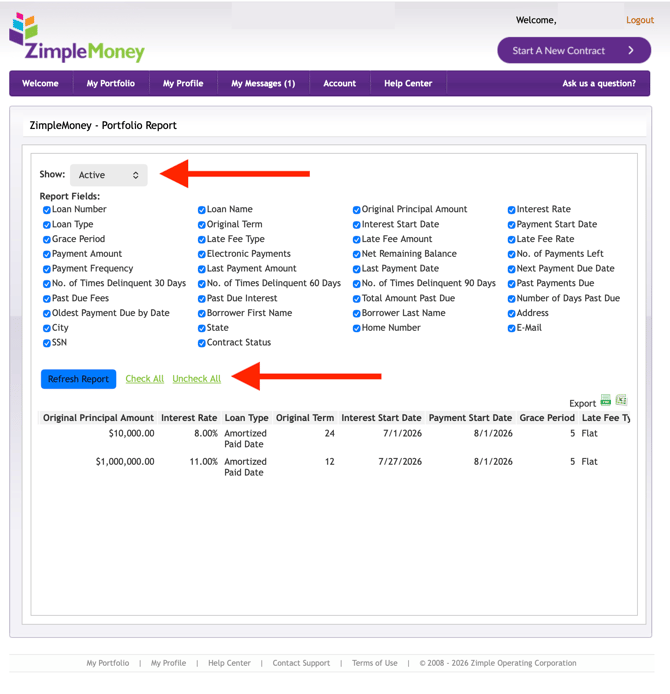
- Portfolio Report: A full download of your portfolio's current status, exportable to Excel or PDF (available on paid subscription plans).
-
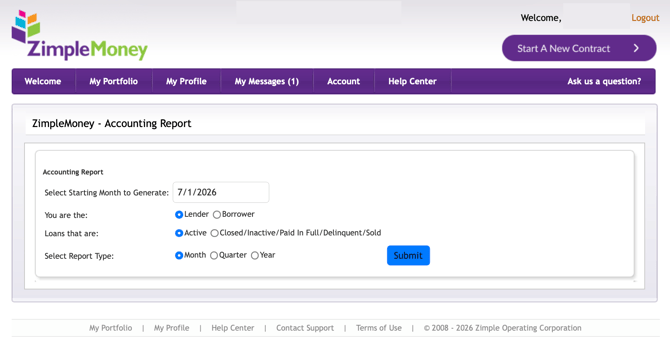
Accounting Report: Identifies G/L entry adjustments for your accounting system.
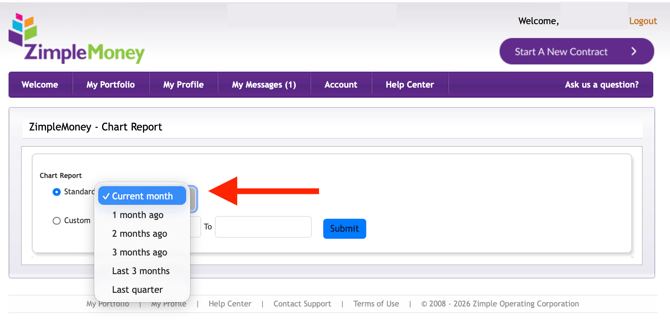
- Chart Report: Visualizes total, active, inactive, current, past-due, and pending loans as pie charts for a chosen date range.
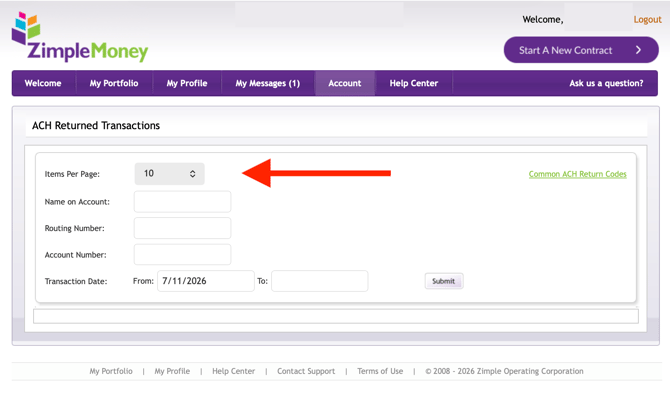
- ACH Returned Transactions: Shows returned ACH transactions with return codes and descriptions.
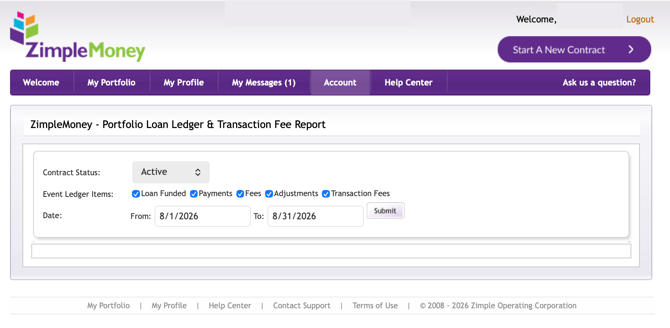
- Portfolio Loan Ledger Report: Shows all ledger entries across your portfolio without opening each contract individually.
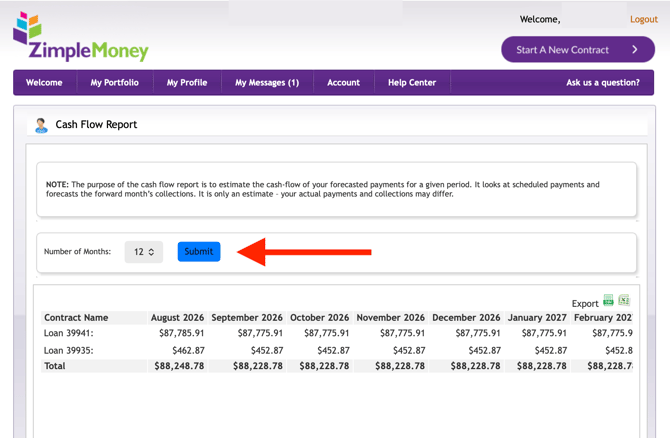
- Cash Flow Report: Estimates forecasted collections for a given period based on scheduled payments.
Contract-Level Reports
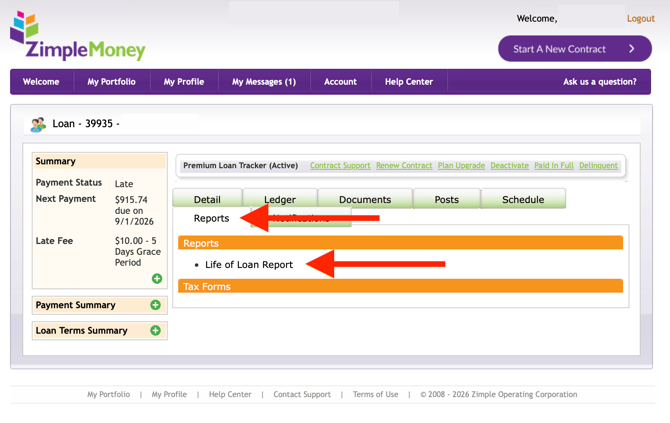
From an individual contract's Reports Tab, you can run the Life of Loan Report, which estimates cash flow over the life of that specific loan by combining the ledger with the future payment schedule. You'll also find the Payment Summary, showing a daily status update including current balance, next payment due, and payoff amount.